Dashboard: Your day, on one screen
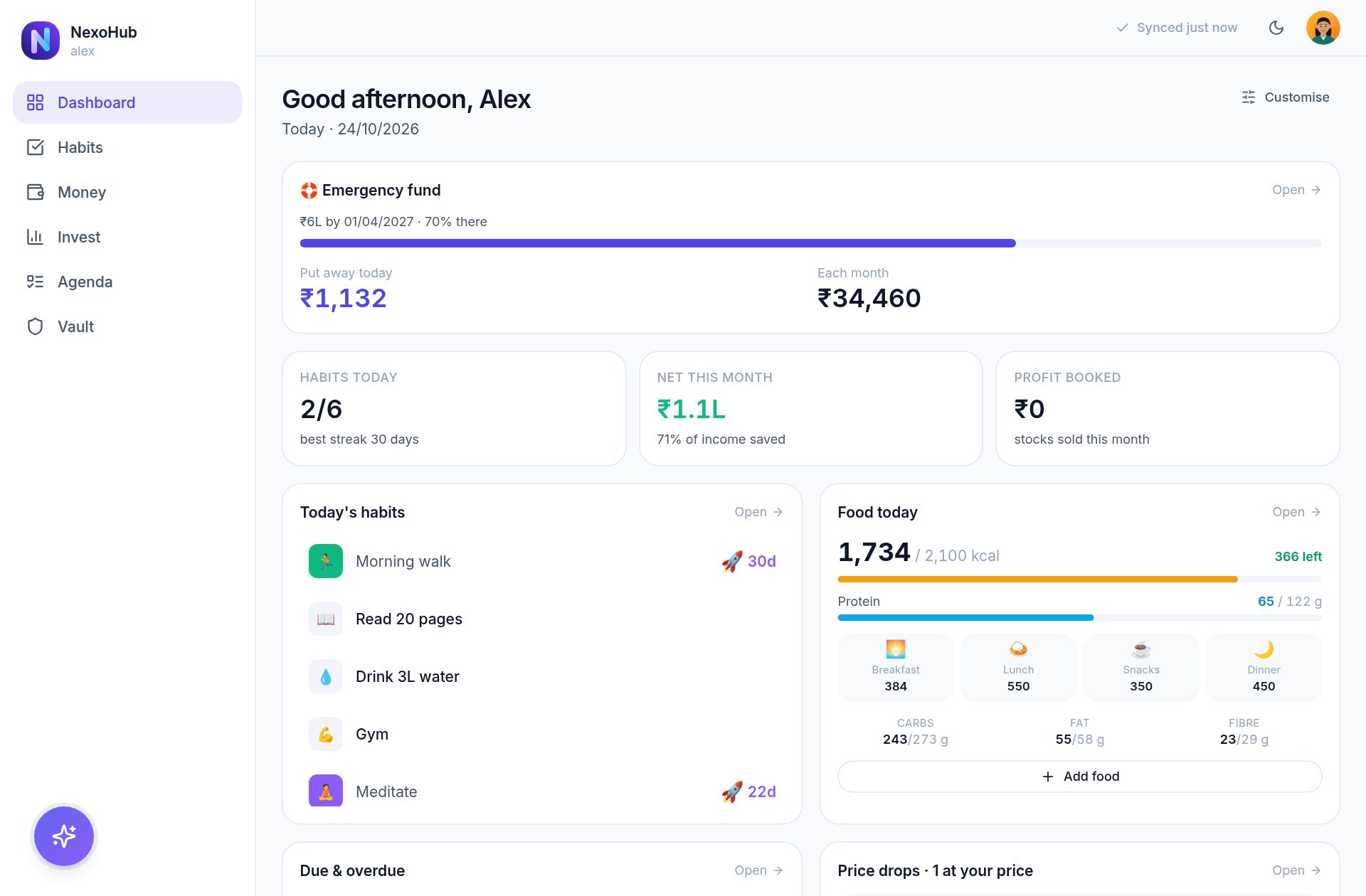
Today's habits, what you ate, this month's spending, what is due and what is coming up - each a tap from its module.
- Arrange the cards the way you like
- A Get started list on a new account
Habits · Money · Invest · Agenda · Vault
NexoHub keeps your spending, habits, food, investments, documents and passwords in one place.
Today's habits, what you ate, this month's spending, what is due and what is coming up - each a tap from its module.
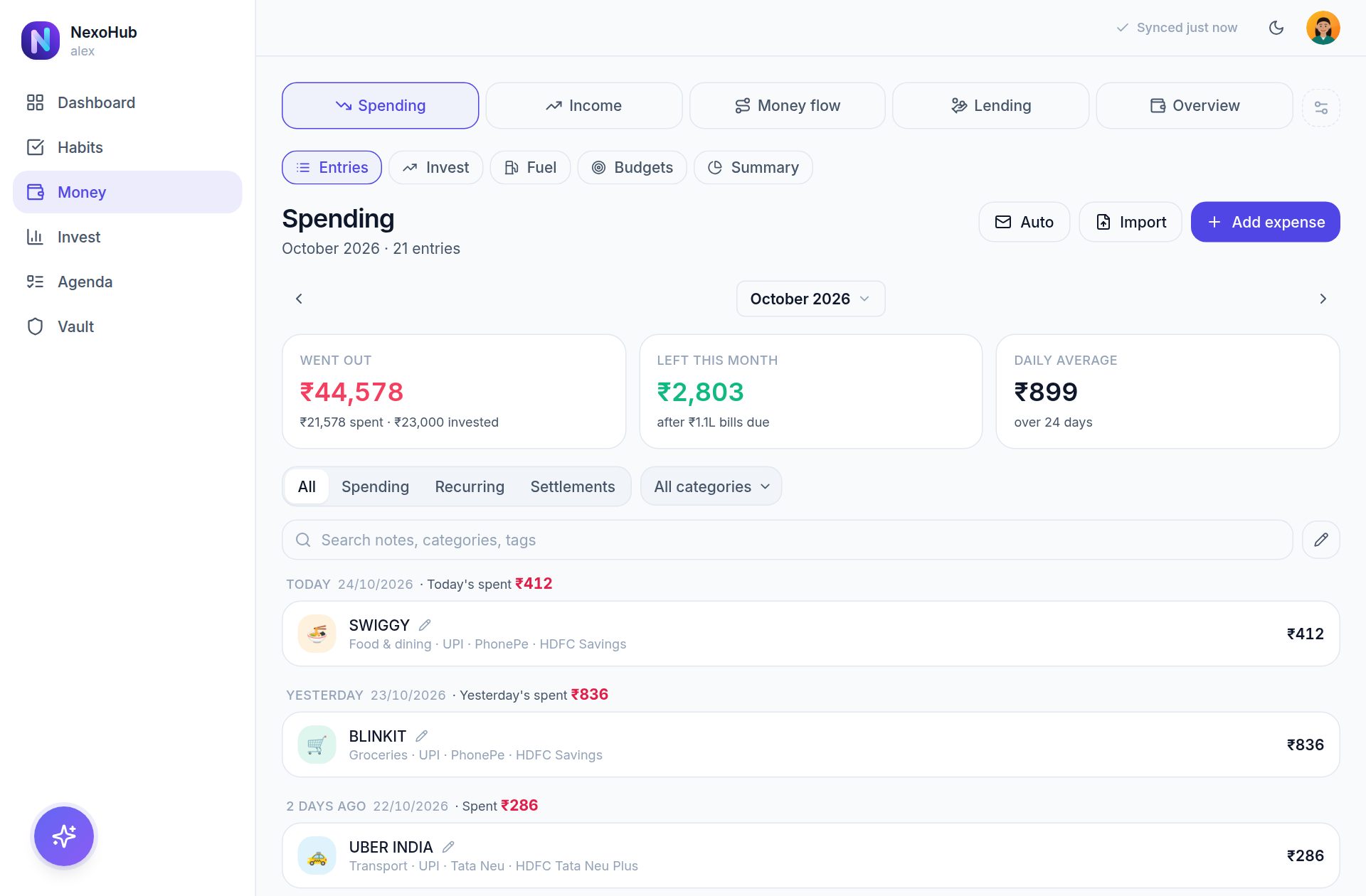
One ledger for every expense, income and transfer - filled in from your bank alert emails as you spend, rather than typed in.
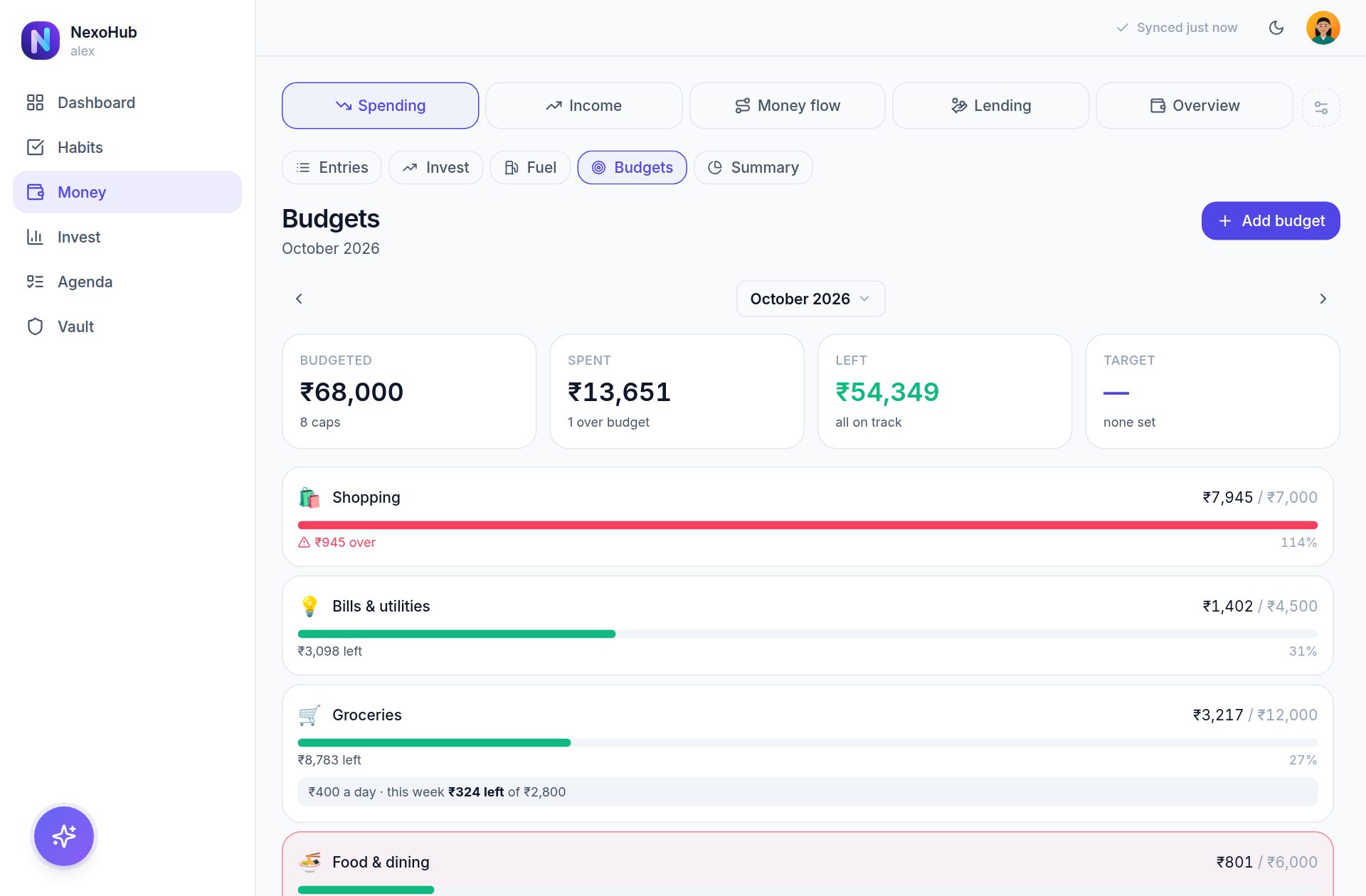
A budget per category, watched for you by the day, the week or the month, and a "can spend a day" figure that already holds back the rent and the investments.
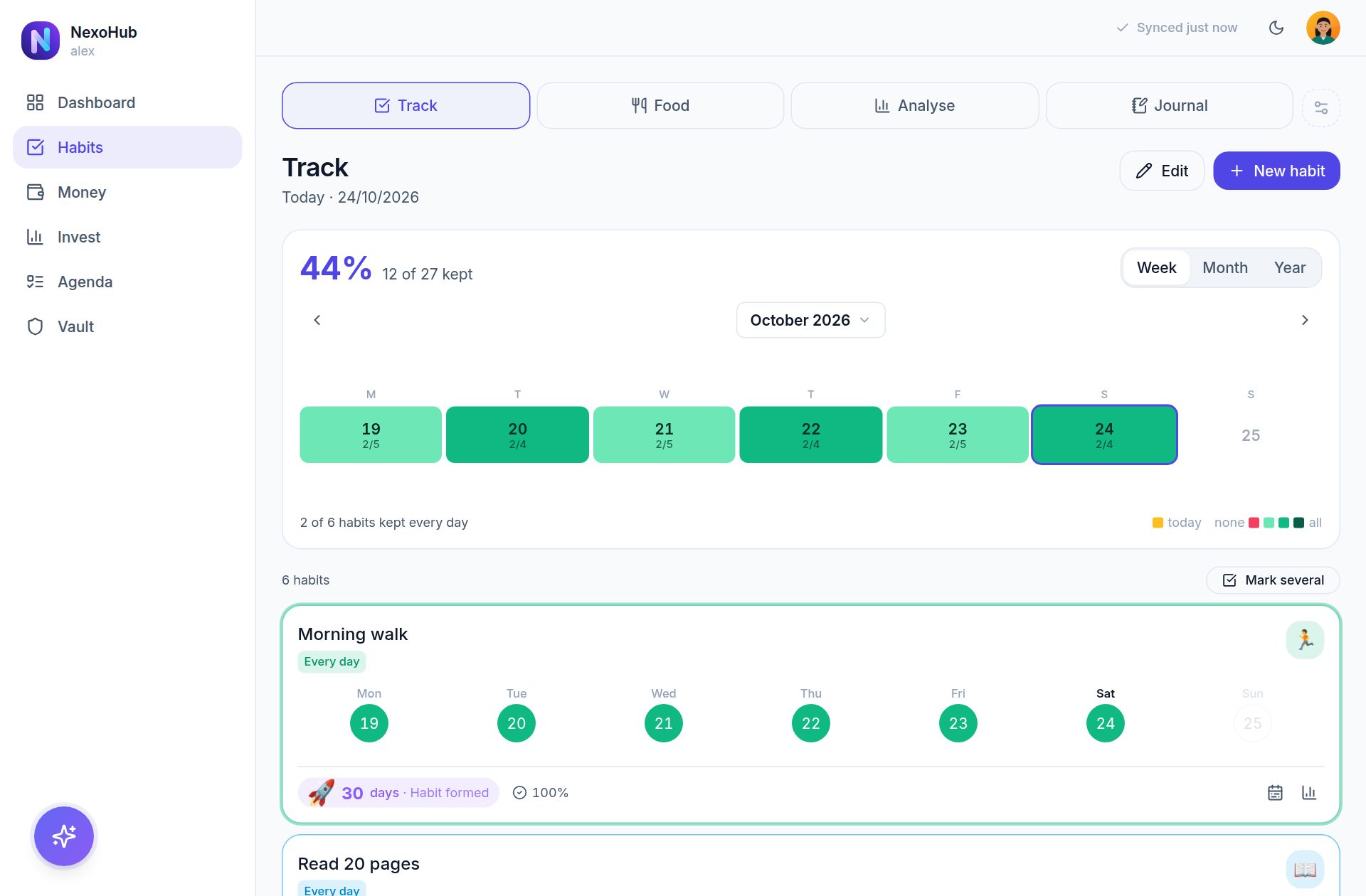
Tick a habit or count it - litres, kilometres, hours - on the days you choose. The streak earns its emoji as it grows: 🌱, then ✨, 🔥 at five days, ⚡ at ten and 🚀 at twenty-one.
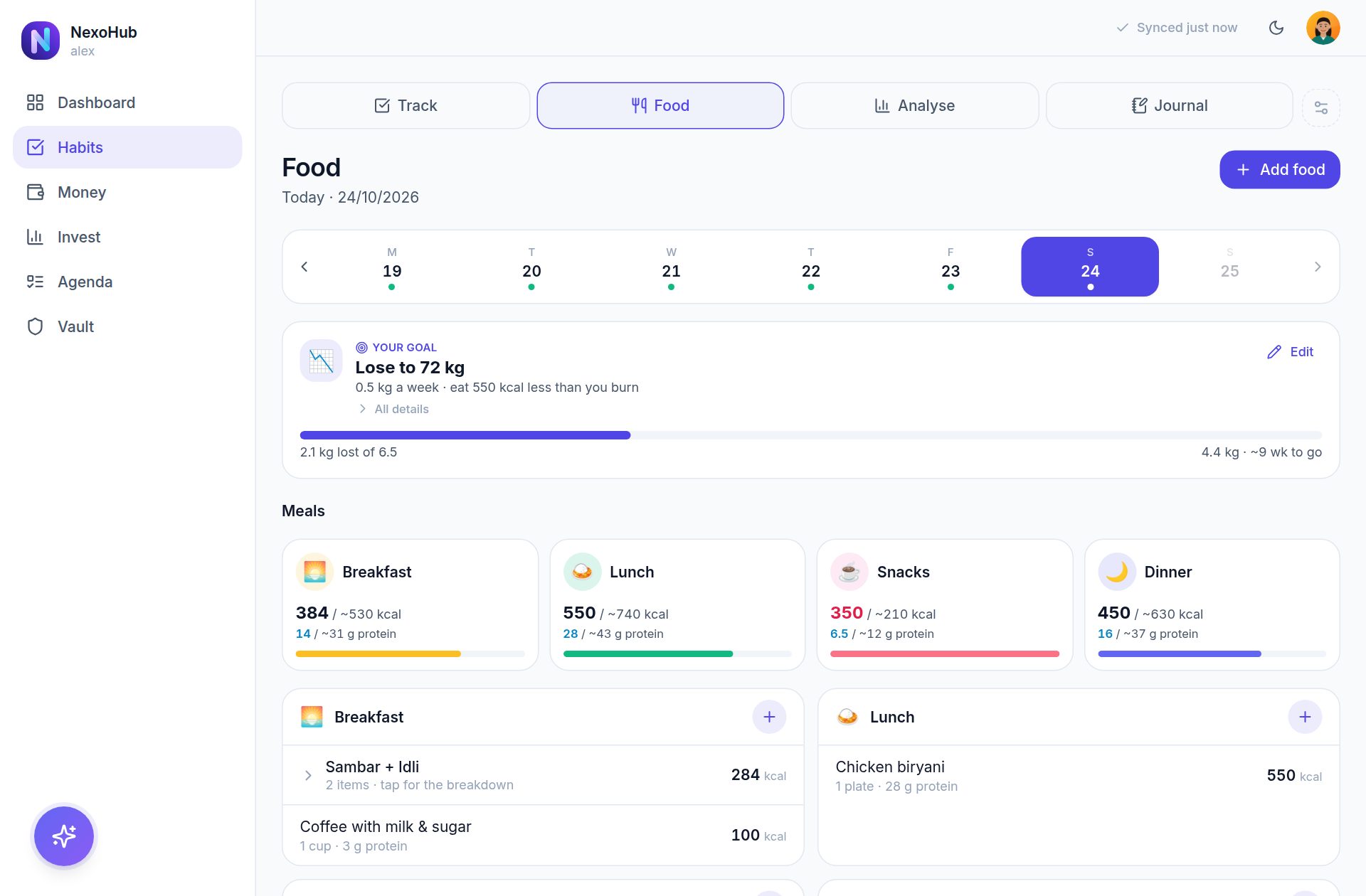
Type "2 dosa and coffee" or "a chicken burrito and fries" - over 350 foods from every cuisine are known by name, and the day is measured against your goal.
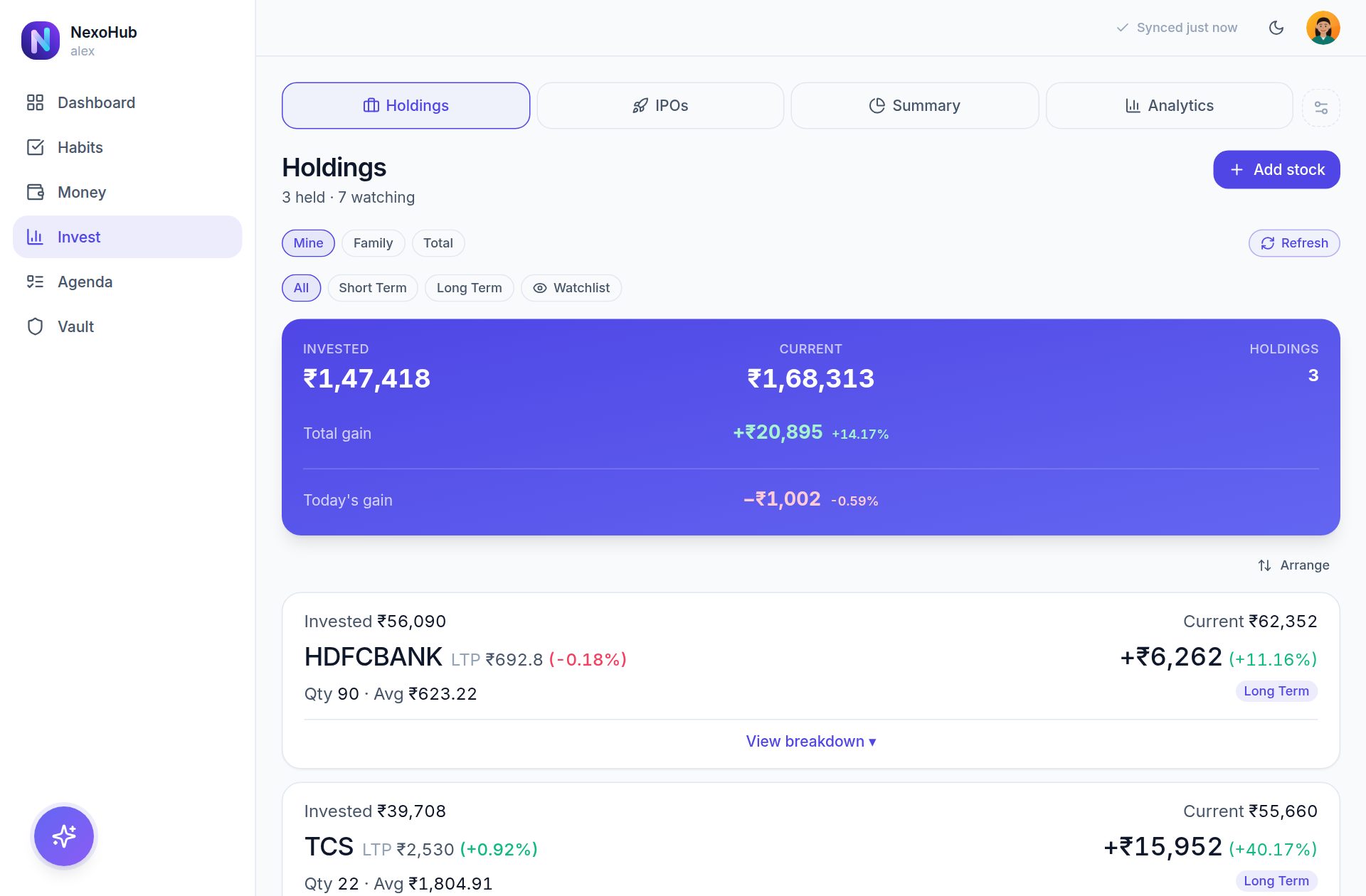
Indian and US stocks, with buy and sell lots giving a real average cost and realised profit, shown in rupees or dollars - and every position in the stage it is actually in.
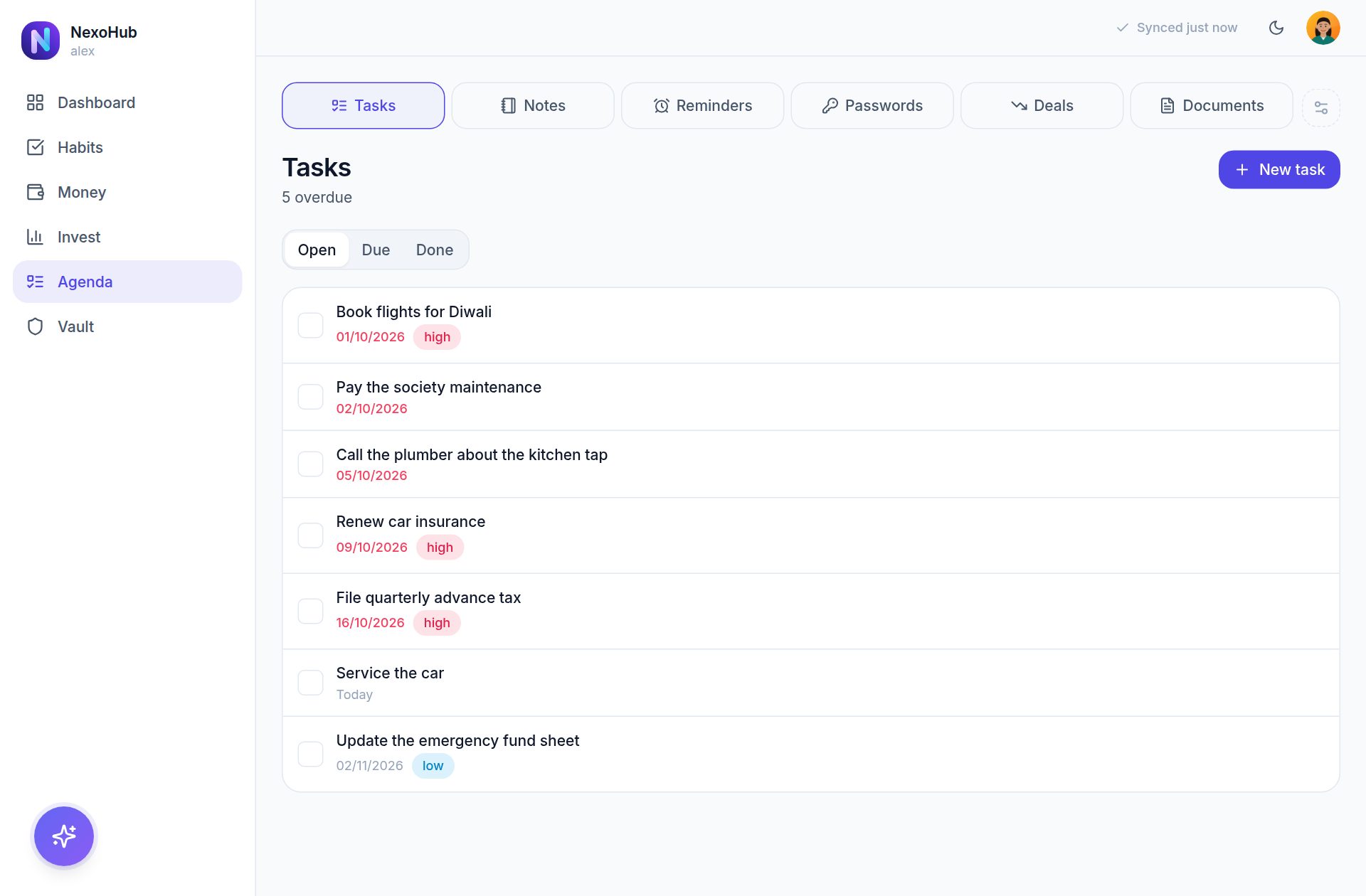
Tasks, notes, reminders, birthdays, documents with their expiry dates, medicines, vehicles and warranties - gathered into one short 9pm summary, with the week on Sunday and the month on its last day.
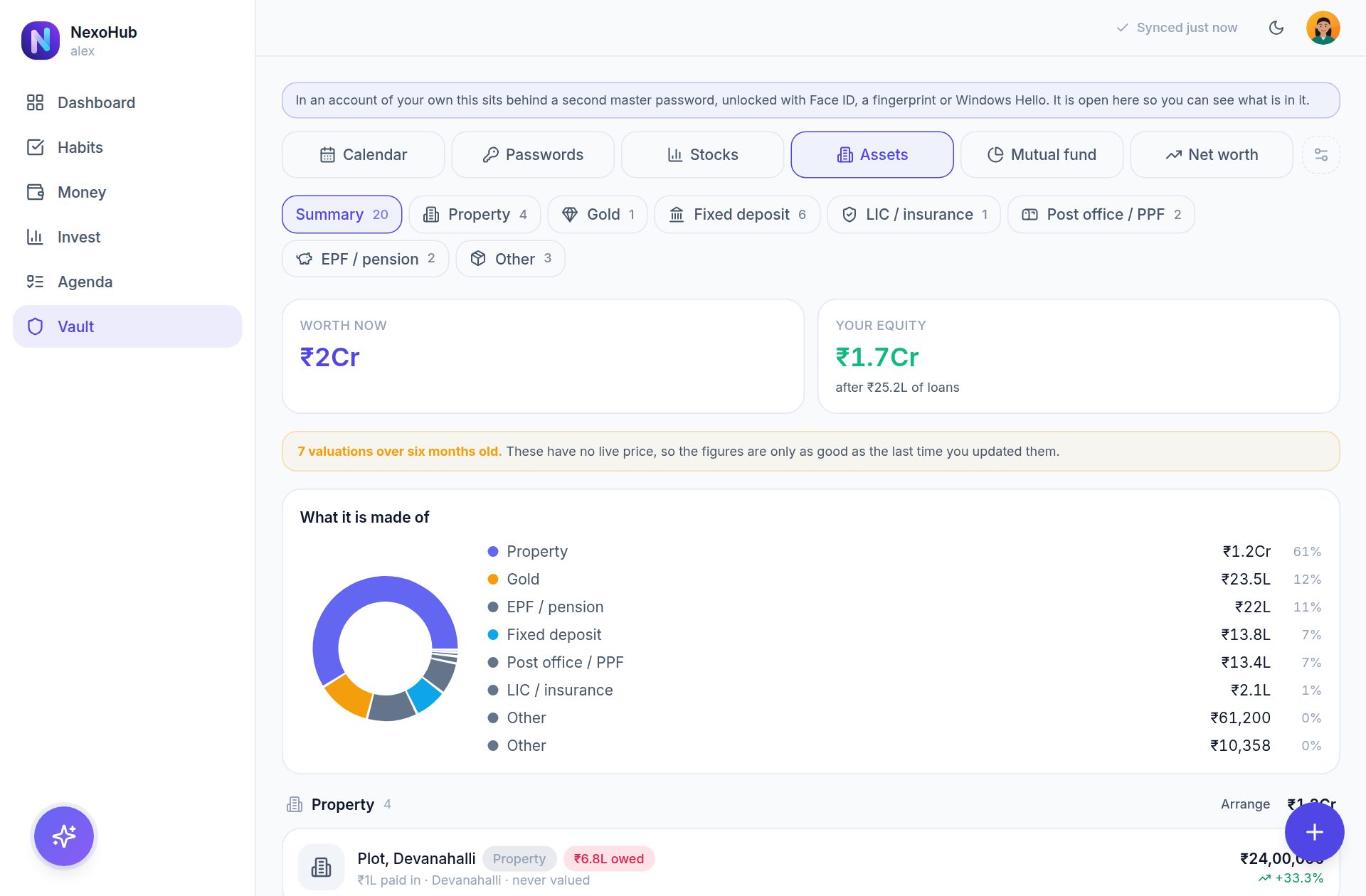
Deposits, property, gold and net worth sit behind a second master password - opened with Face ID, a fingerprint or Windows Hello. Passwords holds your logins and notes - as its own module or inside the Vault, as you prefer.
Dosa and sambar, ramen, tacos or a full English - by name, with the calories and protein of a whole plate.
Deal channels read every five minutes, in India or worldwide; the mail arrives with the link.
Card and UPI alerts from your Gmail become entries as they arrive.
The bill photographed or the PDF attached, kept with the entry.
A second lock for the private half, opened the way your banking app is.
Reminders, bills, budgets and price drops on the lock screen.
Spending with budgets, habits with streaks, food, tasks and documents that remind you before they expire - one app instead of six.
Keep each person's investments in their own book - yours, a parent's - with a total across them, and medicines, check-ups and birthdays for the whole family.
Every lot with its real average cost, live NSE and US prices, targets and stop losses by email, IPO premiums day by day, and realised gains with the tax worked out month by month.
Property, gold, deposits and net worth behind a second master password, opened with Face ID or a fingerprint. Nothing is sold or shared.
It started as one household's answer to a folder of spreadsheets, three tracking apps and a drawer of paper. Six modules now share one set of records - so the SIP in your ledger is the fund in your vault, the bill you pay is the document that expires, and the habit you tick is in the same day as the food you ate.
A free, private web app that keeps habits, food, spending and budgets, stocks and IPOs, tasks, notes, reminders, documents and passwords in one place. It works in any browser, installs to the home screen and works offline.
It lives on one server with your account, and it is not sold, shared or mined. The Vault adds a second password on top, and your saved passwords are yours alone. You can export everything at any time.
No. Open it in a browser and, if you want it on your home screen, install it from there. It then works offline and can show notifications.
Nothing. It is one household's app, opened to a few more people.
You connect your Gmail with an app password - a separate password Google makes for one app, which you can revoke at any time - and choose how far back to read: this month, from last month or this year. Every few minutes after that NexoHub looks for mail from your banks only, reads each alert for the amount, the merchant and the card, and offers it to add. Banks that send alerts only by SMS are not covered.
Yes. Add a stock as India (₹) or US ($); prices are fetched live, and the whole portfolio can be shown in rupees or dollars.
Ask for one from the sign-up page, or continue with Google. An admin approves it and you are emailed the moment it is ready.